
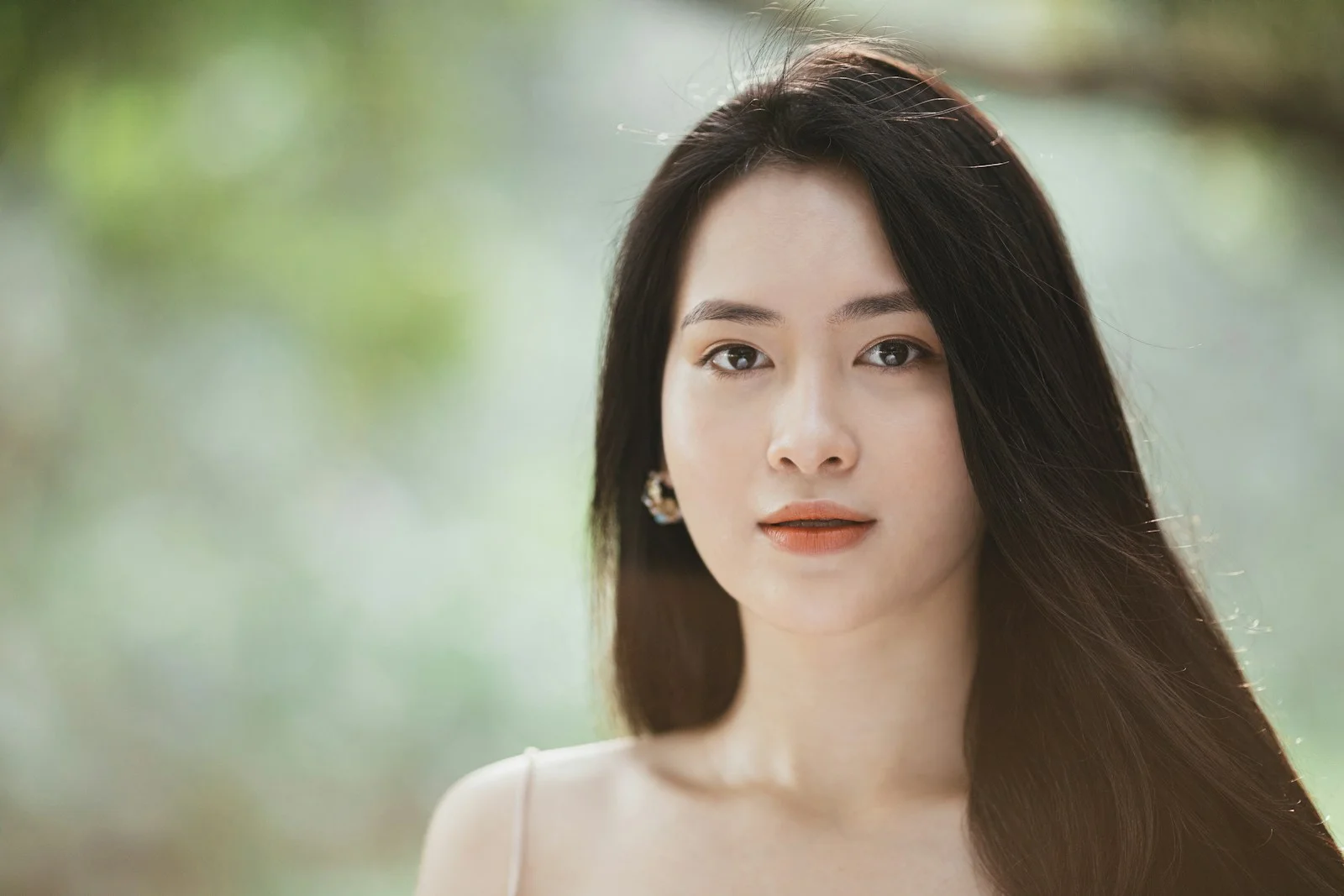
Picture Animator for Everyday Photos
Choose an animation idea and turn a picture into a short moving clip. Start with subtle movements to preserve the original look of your photo or illustration.
Start animating belowCreate your animation
Motion inspiration / 01
Choose how your image comes alive
Explore different motion directions for this kind of image. The images are visual references; prompts can be copied into the editor above.
The workflow / 02
From a still frame to a moving moment
Start from your existing photo. You direct the motion; the AI model generates a short clip using your uploaded picture as the starting point. Keep instructions focused for more predictable results.
- 1Choose a picture with a clear main subject.
- 2Use one of the motion ideas below or write your own.
- 3Upload the image and generate a short video in the editor.
Good to know / 03
Answers before you animate
Questions about image quality, generation credits, and what to expect from AI photo animation.
Explore image-to-video modelsHow do I animate a picture without editing software?
Upload a picture to the editor, write a short motion instruction, and generate a video with an image-to-video model.
Can I animate a drawing as well as a photo?
You can try photographs and illustrations. Results depend on the selected model, scene complexity, and how precisely you describe the motion.
Can I download the animated picture?
After a successful generation, download the video using the available result controls. Format and quality options vary by model and plan.