
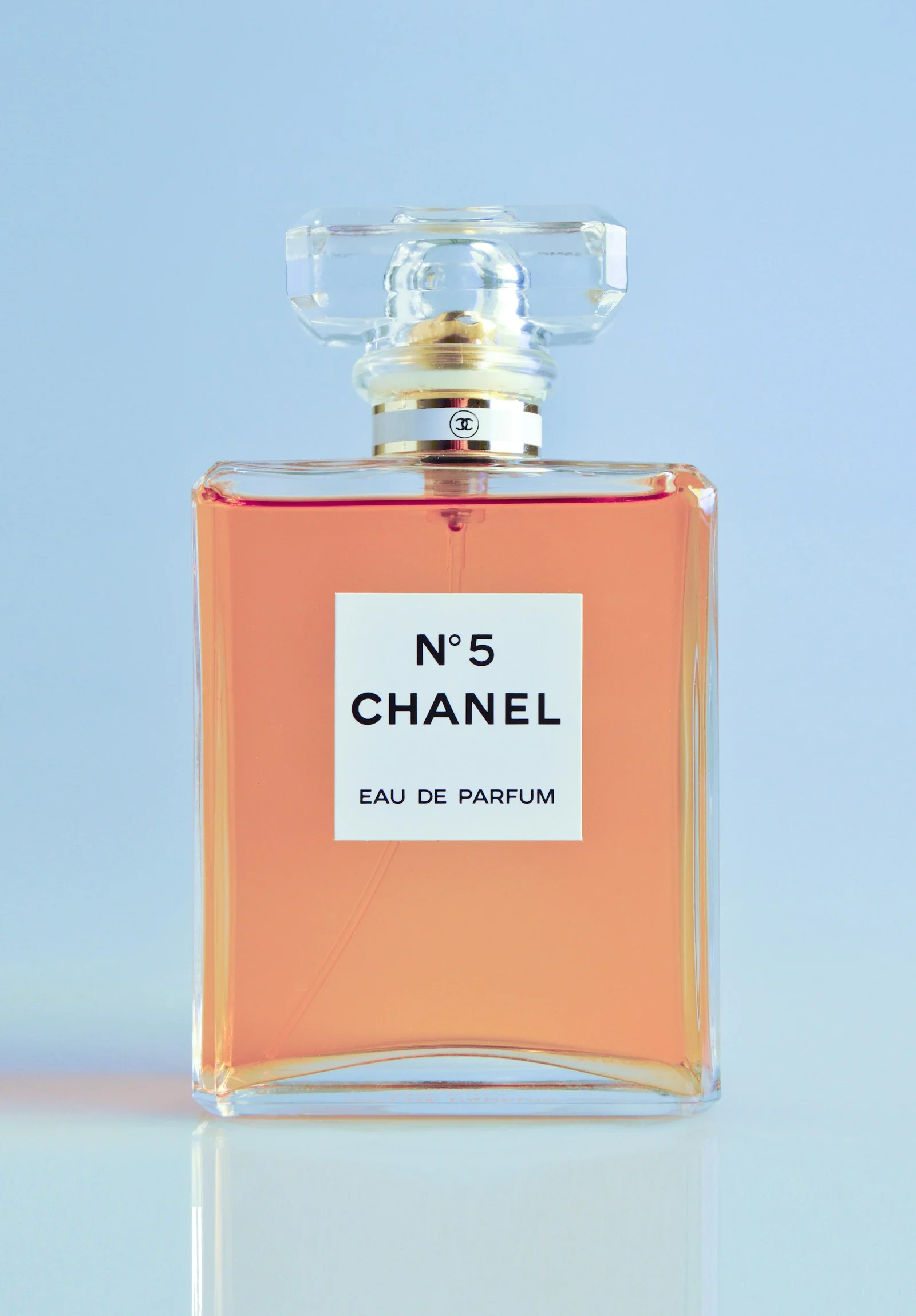
Create Animation from Images
Start with a still image and turn it into a moving video. To make a sequence from several pictures, plan each shot separately: animate your images one by one, review each clip, and combine the results in a video editor. Our image-to-video tool generates individual clips, not an automatically stitched multi-photo movie.
Start animating belowCreate your animation
Motion inspiration / 01
Choose how your image comes alive
Explore different motion directions for this kind of image. The images are visual references; prompts can be copied into the editor above.
The workflow / 02
From a still frame to a moving moment
Start from your existing photo. You direct the motion; the AI model generates a short clip using your uploaded picture as the starting point. Keep instructions focused for more predictable results.
- 1Select a clear image and decide which action the shot needs.
- 2Upload the image, write an action-focused prompt, and check the model settings.
- 3Generate the clip, inspect the result, then repeat for another image if building a multi-shot sequence.
Good to know / 03
Answers before you animate
Questions about image quality, generation credits, and what to expect from AI photo animation.
Explore image-to-video modelsHow do I create an animation from a picture?
Upload a still picture, describe what should move, choose a supported image-to-video model, and generate a clip. Review the output before downloading.
Can I create one animation from multiple images?
The image-to-video editor creates a clip from an uploaded image. To work with several images, generate a clip for each one and arrange the downloaded clips in a separate video editor. Automatic stitching of multiple images into one video is not provided by this page.
What kinds of images work best?
Sharp, well-lit photos or clear illustrations with a recognizable subject are good starting points. Complex layouts, small text, and overlapping subjects can be harder to animate consistently.
How do I keep shots visually consistent?
Use similar lighting, framing, model settings, and concise camera directions across your images. AI output may still vary between clips.