
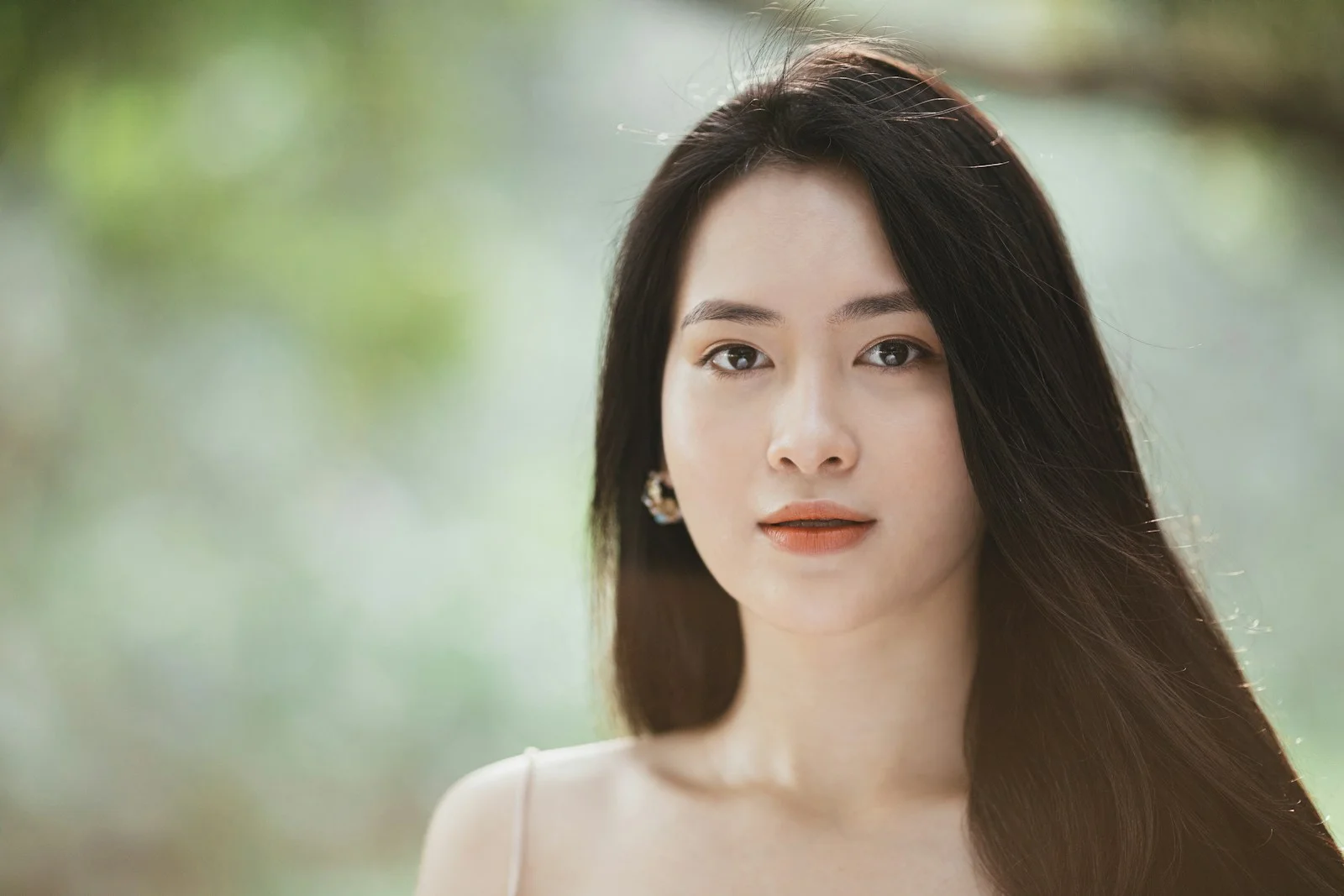
Animate a Photo with AI
Turn a still picture into a moving scene. Guide your subject, background, or camera with a simple motion prompt—without learning keyframes or video editing.
Start animating belowCreate your animation
Motion inspiration / 01
Choose how your image comes alive
Explore different motion directions for this kind of image. The images are visual references; prompts can be copied into the editor above.
The workflow / 02
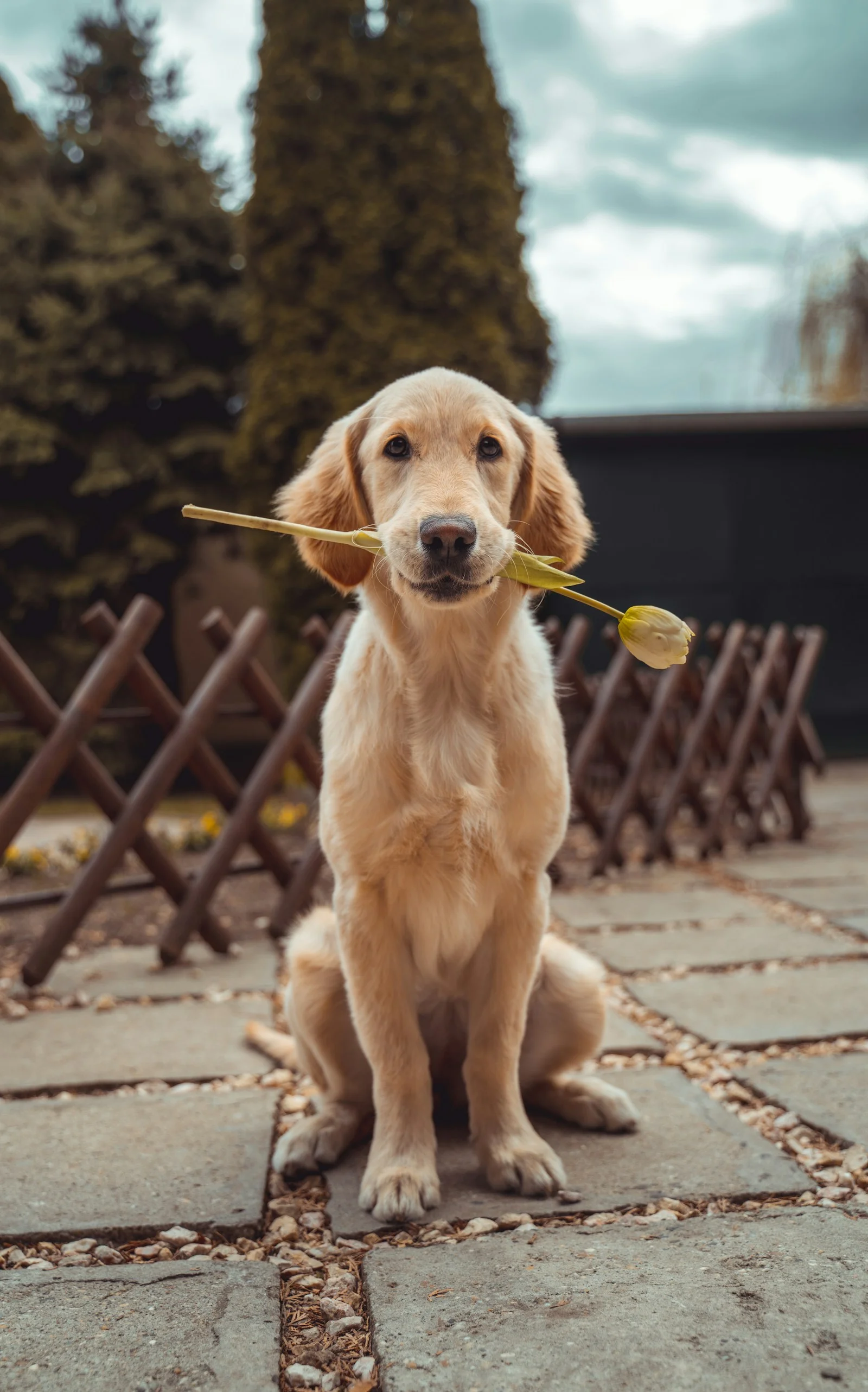
From a still frame to a moving moment
Start from your existing photo. You direct the motion; the AI model generates a short clip using your uploaded picture as the starting point. Keep instructions focused for more predictable results.
- 1Upload one clear photo with a distinct subject.
- 2Describe what should move and what should remain unchanged.
- 3Choose a model, duration, and aspect ratio before generating.
Good to know / 03
Answers before you animate
Questions about image quality, generation credits, and what to expect from AI photo animation.
Explore image-to-video modelsCan AI animate a single photo?
Yes. Upload one image and describe the movement you want. The image-to-video model generates a short video from that starting frame.
Will my original photo change?
The AI generates a new video; it does not overwrite your uploaded file. Identity and detail consistency can vary by model and prompt.
Do I need to write a detailed prompt?
Not necessarily. A short instruction describing subject motion, camera behavior, and what should stay fixed is usually a good starting point.