
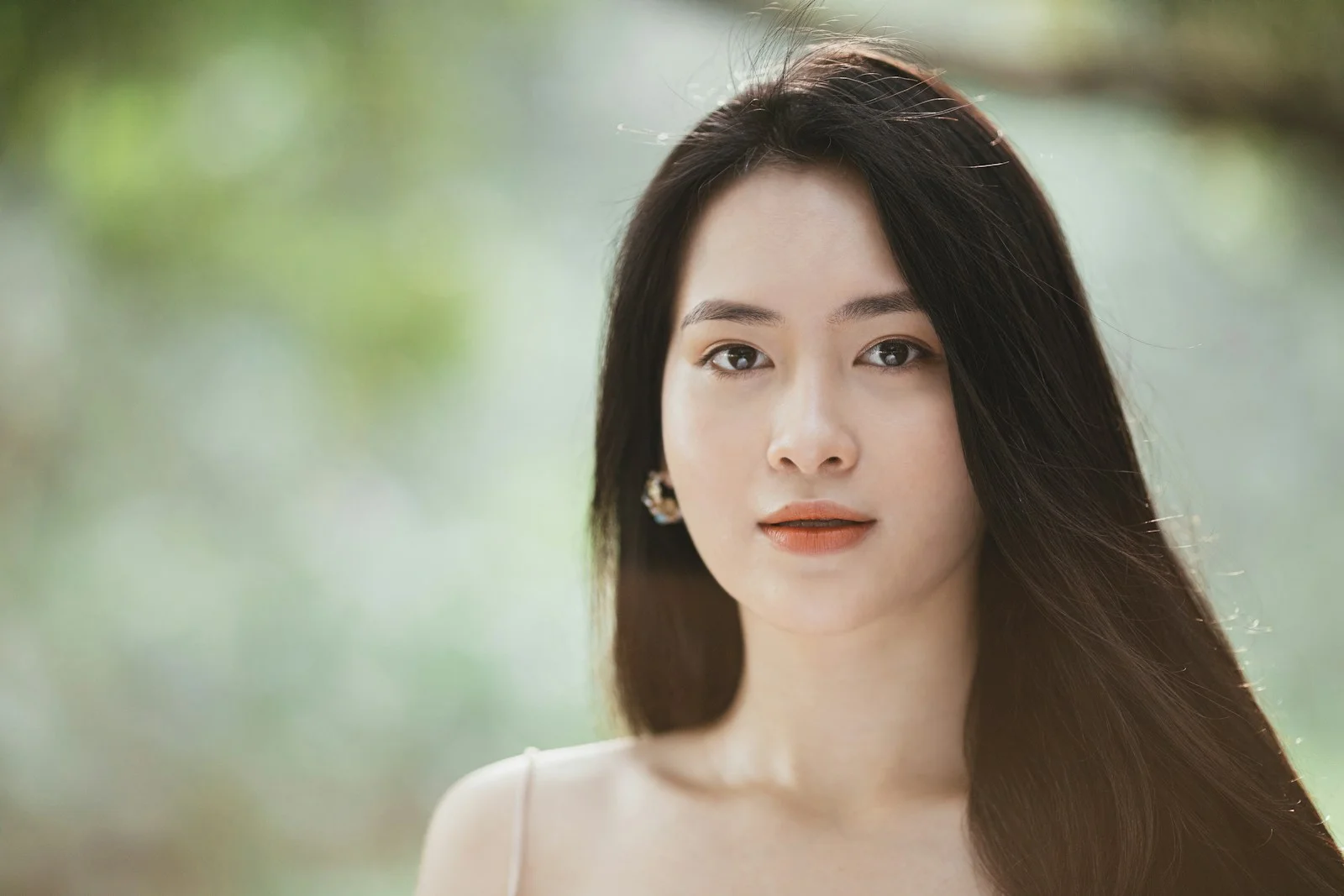
Free Image Animator to Get Started
Try photo animation using available free credits. Your exact generation cost depends on the AI model and settings; review the credit amount shown in the editor before you submit.
Start animating belowCreate your animation
Motion inspiration / 01
Choose how your image comes alive
Explore different motion directions for this kind of image. The images are visual references; prompts can be copied into the editor above.
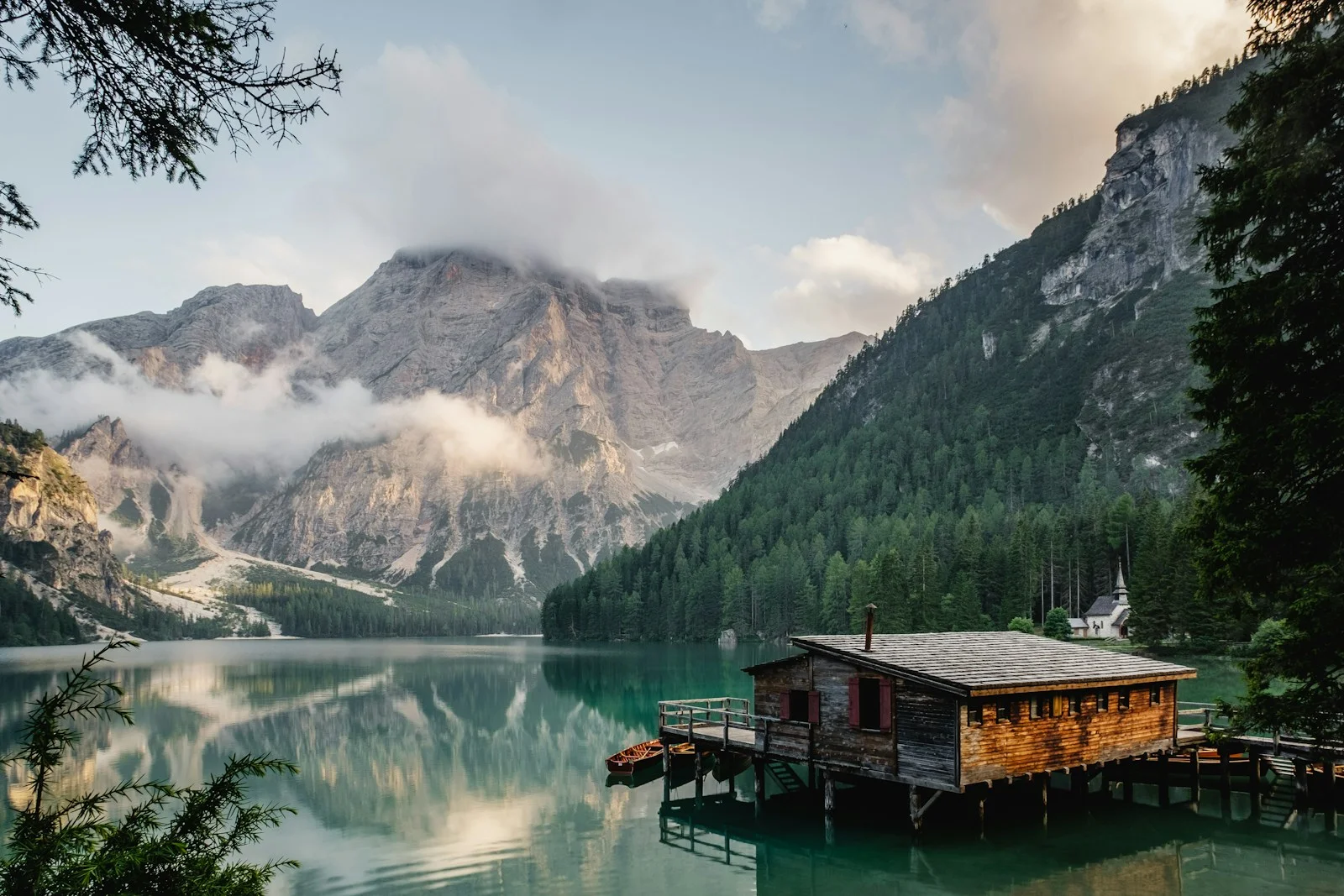
The workflow / 02
From a still frame to a moving moment
Start from your existing photo. You direct the motion; the AI model generates a short clip using your uploaded picture as the starting point. Keep instructions focused for more predictable results.
- 1Sign in and check your currently available credits.
- 2Upload an image and select a supported video model.
- 3Review the credit cost and watermark settings, then decide whether to generate.
Good to know / 03
Answers before you animate
Questions about image quality, generation credits, and what to expect from AI photo animation.
Explore image-to-video modelsIs the AI image animator completely free?
You can get started with any free credits currently available to your account. Video generation consumes credits according to the selected model and settings; it is not unlimited free generation.
Can I try it without an account?
You can explore the page and settings, but submitting a video generation requires signing in.
Will free video generations have a watermark?
Free video generations may include a watermark. Paid subscriptions and available download options determine watermark removal.
How do I know the credit cost?
The editor displays the required credits for your chosen model and generation settings before you submit.