
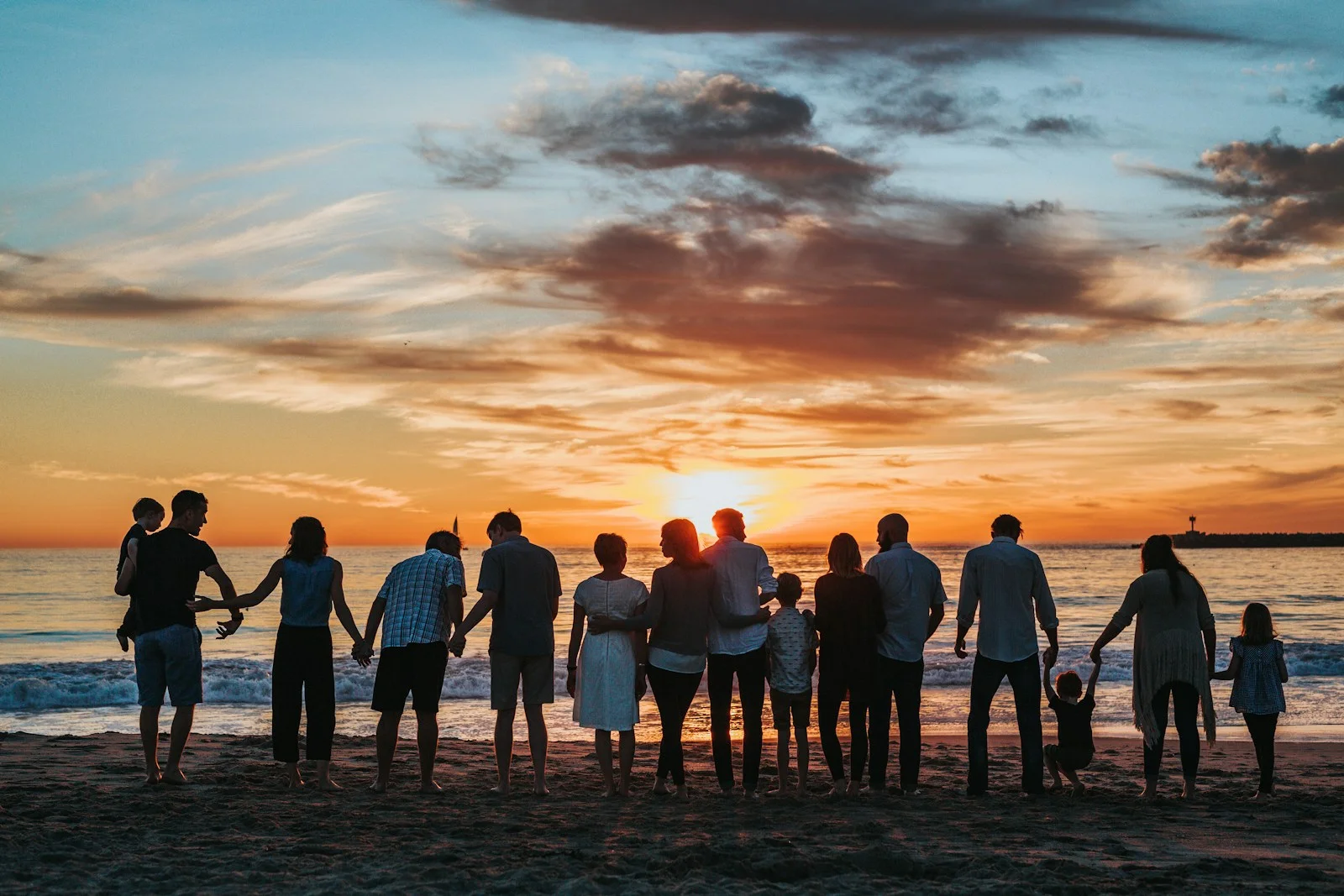
Animate Photos for Memories and Stories
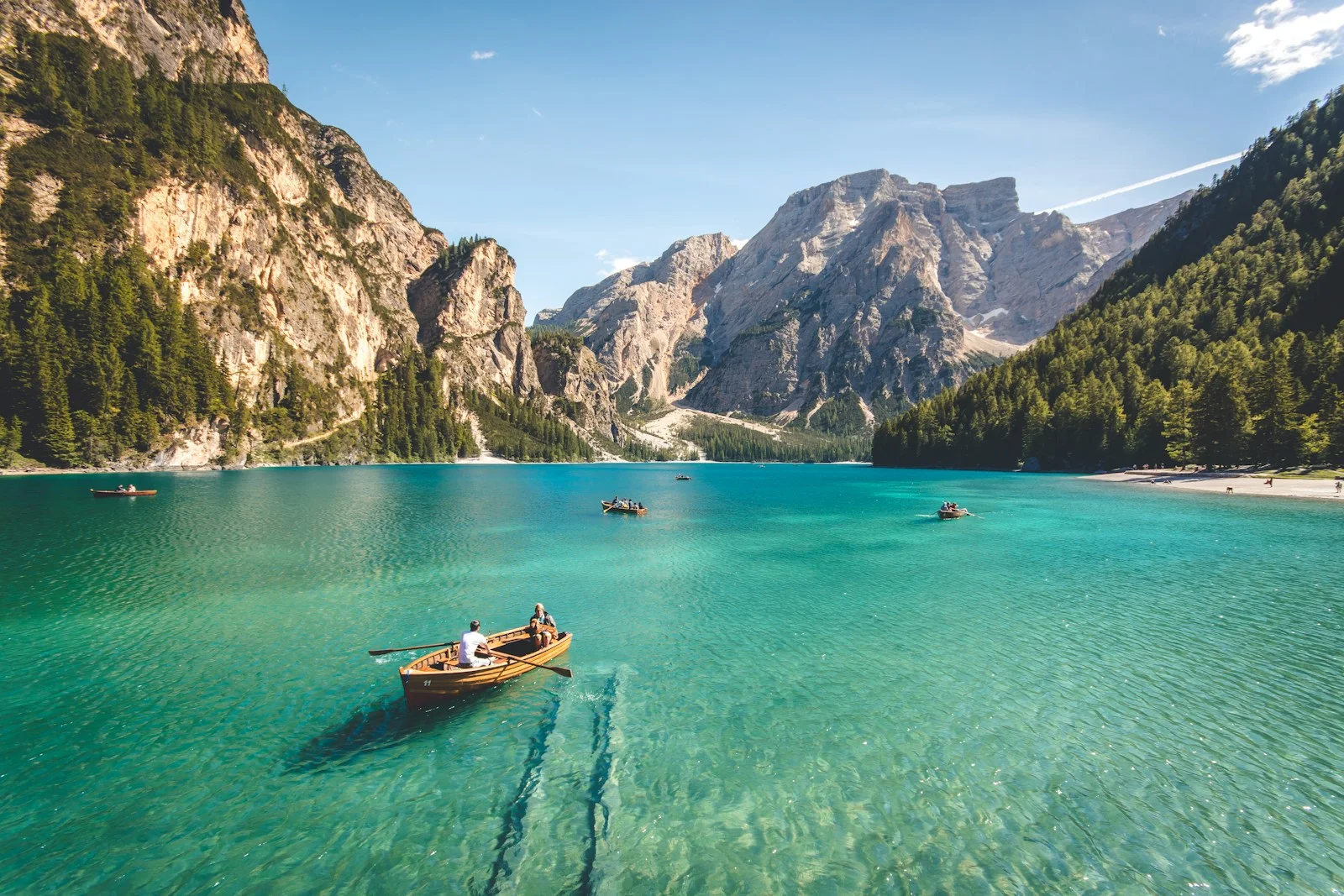
Different photos call for different kinds of motion. Animate a family portrait gently, bring travel scenery to life, or create a moving social post without changing the main subject.
Start animating belowCreate your animation
Motion inspiration / 01
Choose how your image comes alive
Explore different motion directions for this kind of image. The images are visual references; prompts can be copied into the editor above.
The workflow / 02
From a still frame to a moving moment
Start from your existing photo. You direct the motion; the AI model generates a short clip using your uploaded picture as the starting point. Keep instructions focused for more predictable results.
- 1Pick your photo type and decide which parts should move.
- 2Copy or adapt a motion idea below to fit your scene.
- 3Open the image-to-video editor, upload the photo, and test a short clip.
Good to know / 03
Answers before you animate
Questions about image quality, generation credits, and what to expect from AI photo animation.
Explore image-to-video modelsWhat photos are easiest to animate?
Start with sharp, well-lit photographs with a clear subject and uncluttered background. Complex hands, faces and text can be harder to preserve.
Can I animate an old family photo?
Yes, you can try subtle motion on an old photo. Some models may alter facial details, so review the output carefully before sharing.
How long should the animation be?
Start with a short clip to verify that the motion is natural. Available durations vary by model and settings.